
Cosmos3-Super-Text2Image · May 31 2026
Cosmos 3 Super AI Image Generator
Cosmos 3 Super AI Image Generator is an online text-to-image tool powered by NVIDIA's open Cosmos3-Super-Text2Image model — 64B parameters, purpose-trained for photorealistic image generation from any text prompt. Write a description, pick an aspect ratio, and get production-ready images in your browser. No GPU. No install. Already have an image to animate? Try the Cosmos 3 Super AI Video Generator to bring it to life.
Model
64B
Cosmos3-Super-Text2Image open weights
Benchmark Rank
#1
Top open-weights text-to-image model
Aspect Ratios
5
16:9 · 9:16 · 1:1 · 4:3 · 3:4 native
Output Format
2
JPEG or PNG — download ready
Text to Image Generator
Cosmos 3 Super Text to Image — Generate Online
Describe your image in plain English. The Cosmos3-Super-Text2Image model handles composition, lighting, and photorealism — you set the direction.
Cosmos 3 Super AI Image Generator · Cosmos3-Super-Text2Image · 64B
Text-to-Image #1 Open Model
More detail = tighter output. Include subject, style, lighting, and camera angle for best results.
advanced settings
28
4.2
About the Model
What Is Cosmos 3 Super AI Image Generator?
What the Cosmos 3 Super AI Image Generator is, how it works, and why it generates production-ready images.
Cosmos 3 Super AI Image Generator is powered by Cosmos3-Super-Text2Image — NVIDIA's purpose-trained image generation variant of the Cosmos 3 Super foundation model. Released May 31, 2026, it generates photorealistic images from text prompts using a 64B Mixture-of-Transformers architecture: a 32B Reasoner interprets your prompt for subject, lighting, and composition; a 32B Generator diffuses the output at your target aspect ratio.
The Cosmos 3 Super AI Image Generator is a post-trained specialist — not repurposed from a video model. Every aspect ratio is rendered natively at full resolution, meaning your 9:16 Reels visual is composed as a vertical image from the start, not a landscape crop. Negative prompts are native diffusion parameters, not post-generation filters.
ArchitectureMixture-of-Transformers (MoT) — 32B Reasoner (autoregressive VLM) + 32B Generator (diffusion transformer)
BenchmarkTop open-weights model on text-to-image generation benchmarks
LicenseNVIDIA OpenMDW-1.1 — commercial use and derivatives permitted with "Built on NVIDIA Cosmos" attribution
Workflow integrationGenerated images can feed directly into the Cosmos 3 Super Image to Video model for animation — no re-upload needed
Output Examples
Cosmos 3 Super AI Image Generator — Real Outputs
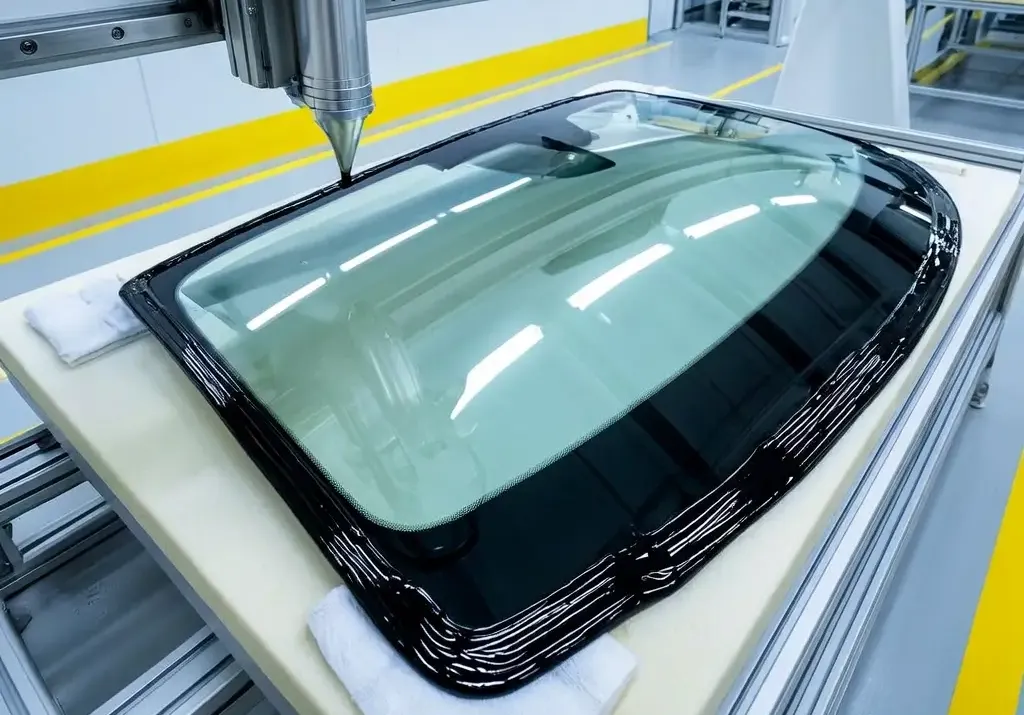
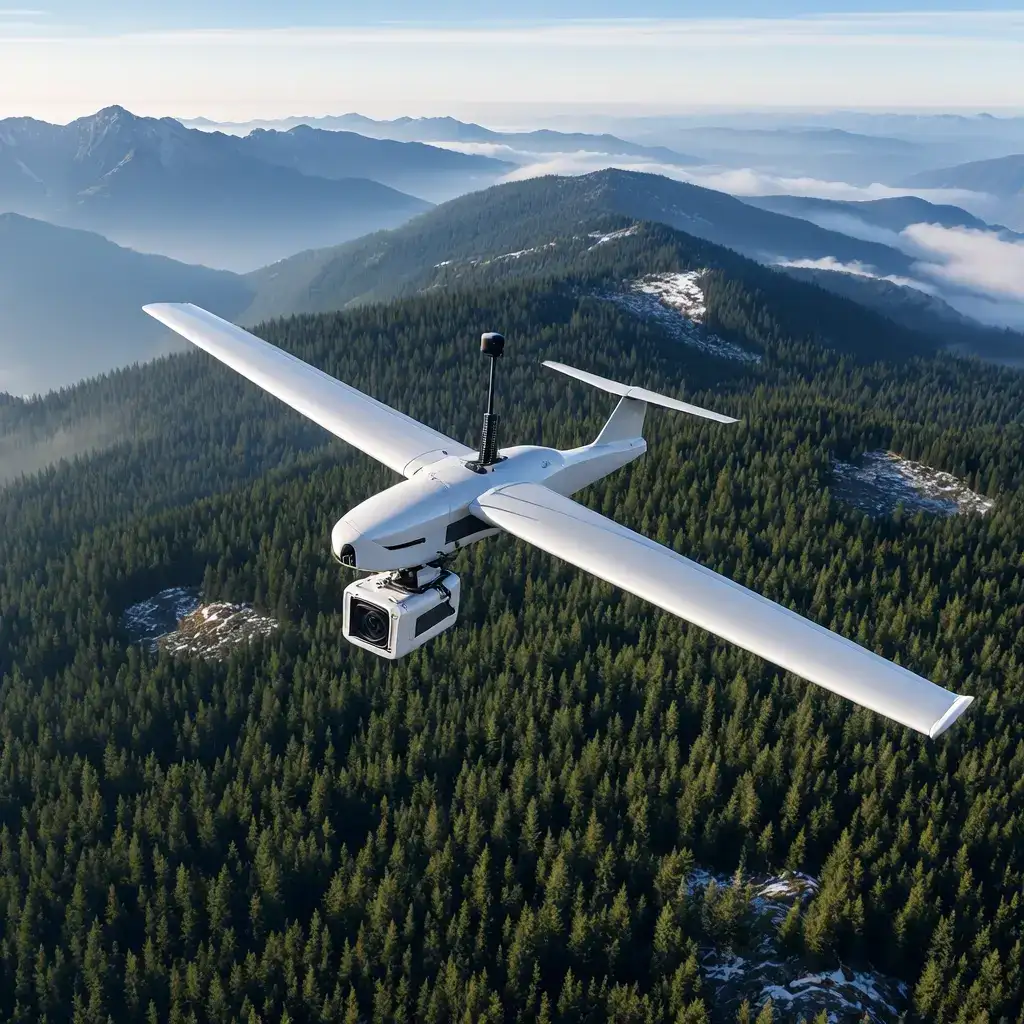
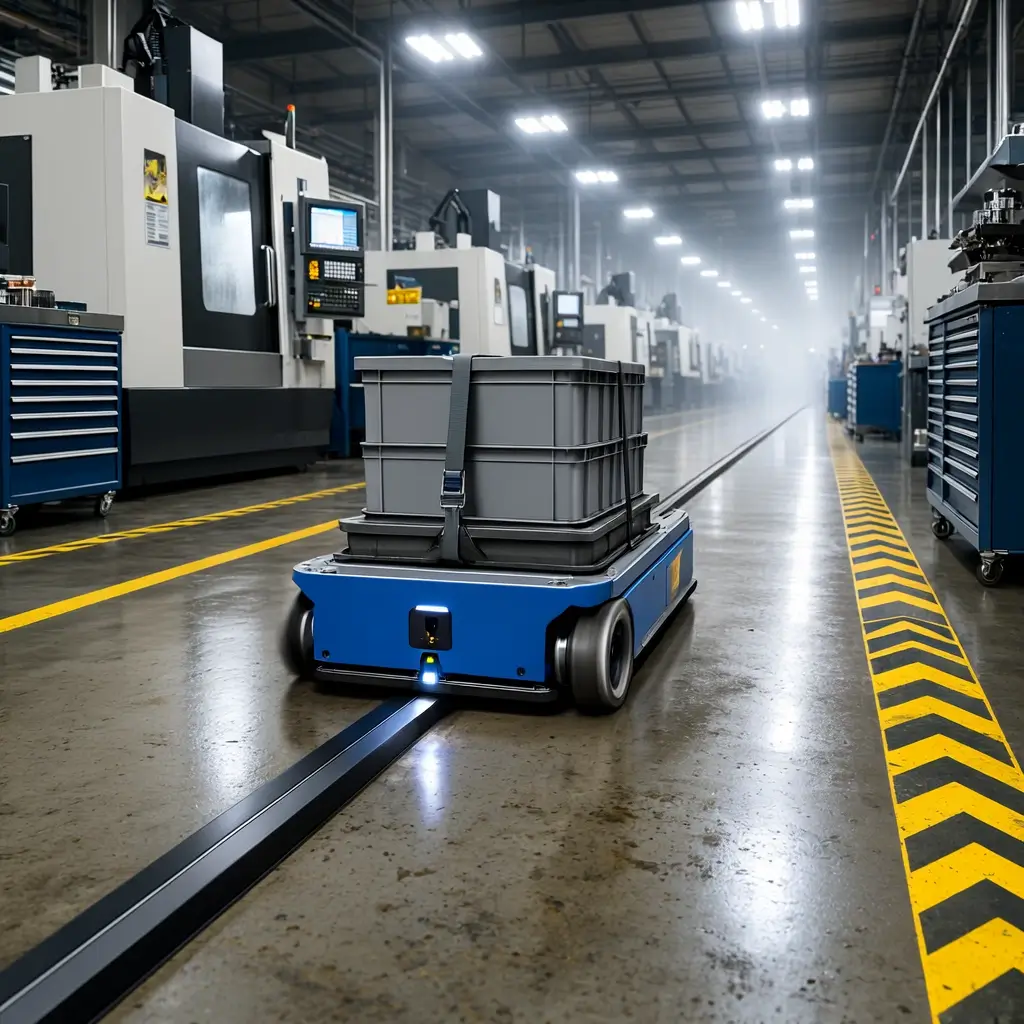
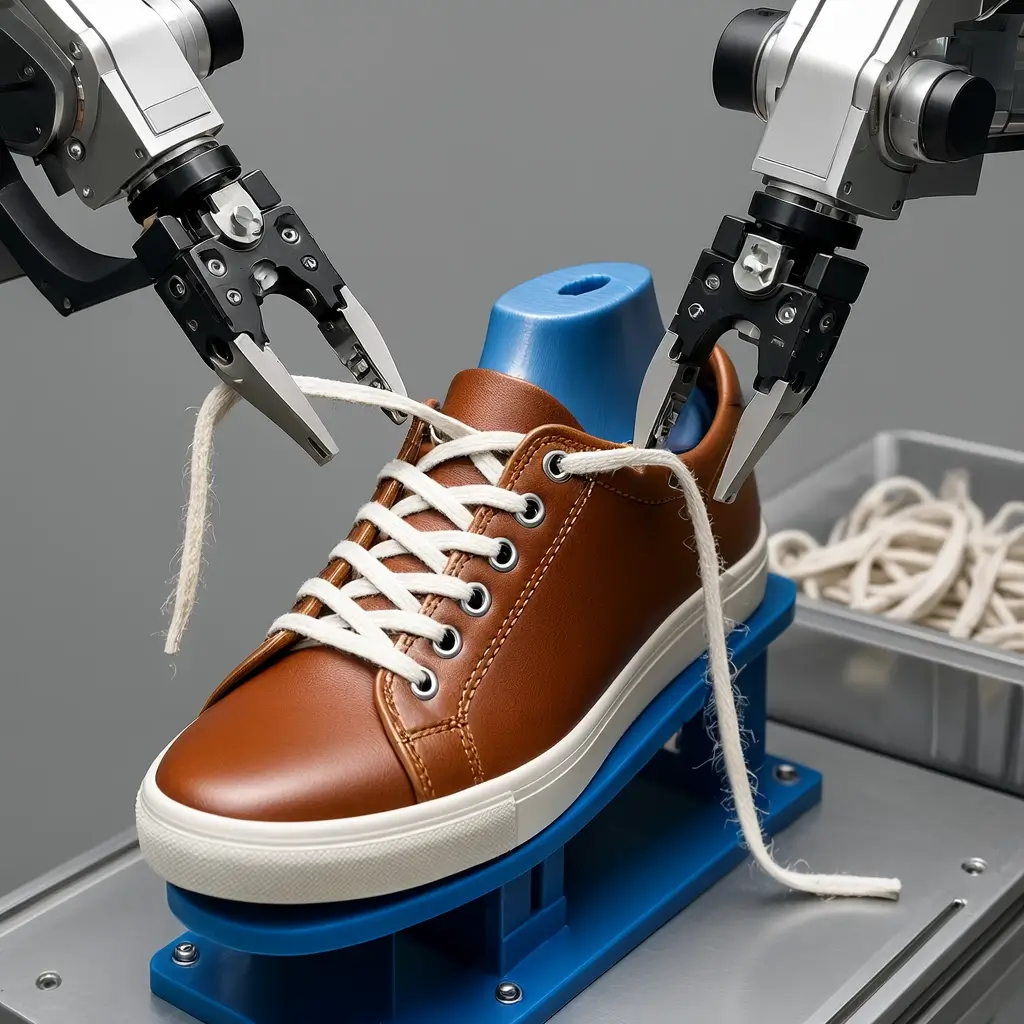
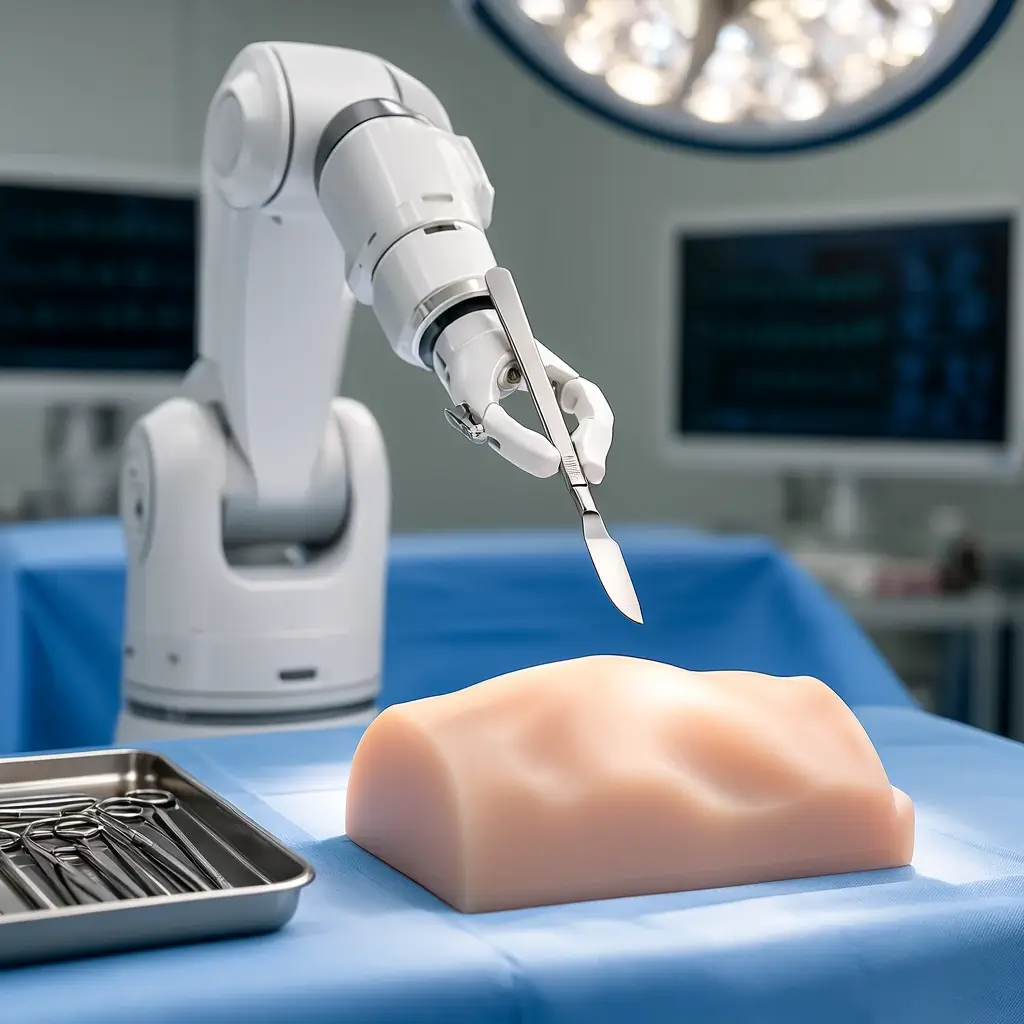
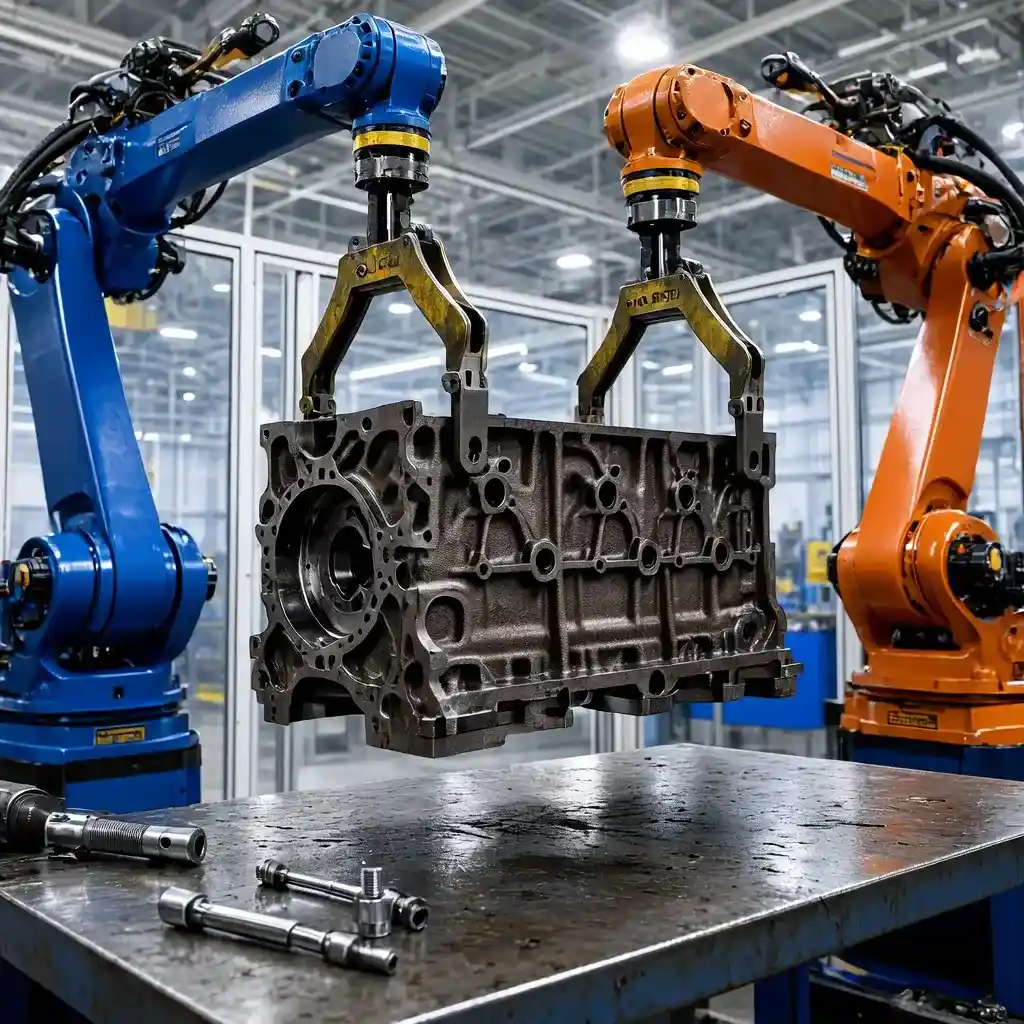
Six images generated using Cosmos3-Super-Text2Image on this site. No retouching, no post-processing. Click the icon to view each prompt.

Step-by-Step
How to Use Cosmos 3 Super AI Image Generator
Four steps from a text prompt to a production-ready image — no GPU, no account required to start.
Step 01
Write a Detailed Text Prompt
Describe your subject, setting, lighting, style, and camera angle in plain English. The Cosmos 3 Super AI Image Generator performs best with specific, visual descriptions — treat it like a brief to a commercial photographer. Include style references like "editorial," "product shot," or "concept art" to steer the output precisely.
Step 02
Add a Negative Prompt to Refine Output
Use the negative prompt field to steer Cosmos3-Super-Text2Image away from unwanted elements — blur, distortion, watermarks, low-quality rendering. A targeted negative prompt consistently tightens output quality and removes common AI artifacts without needing to re-engineer the main prompt.
Step 03
Choose Aspect Ratio and Output Format
Select 1:1 for Instagram and thumbnails, 16:9 for YouTube and desktop ads, 9:16 for Reels and TikTok. Pick JPEG for smaller web-ready files or PNG for lossless quality. All ratios are generated natively at full resolution — no cropping.
Step 04
Generate, Download, and Optionally Animate
Generation runs on cloud infrastructure. Download your JPG output directly — it's commercially licensed under OpenMDW-1.1 with attribution. To take the workflow further, bring any generated image into the Cosmos 3 Super AI Video Generator and animate it into a physics-real video clip.
Core Capabilities
What Makes Cosmos 3 Super AI Image Generator Different
Six capabilities that make the Cosmos 3 Super AI Image Generator stand out — not marketing copy.
Photorealistic Text-to-Image Output
Cosmos3-Super-Text2Image is purpose-trained for high-fidelity image generation. The 32B Reasoner interprets composition, material, and lighting intent from your prompt before the 32B Generator diffuses the output — reaching commercial photography quality without post-processing.
Negative Prompt Steers the Diffusion
The negative prompt is a native diffusion parameter — not a post-generation filter. The model actively suppresses specified artifacts, styles, or elements during generation. Cleaner output, fewer iteration rounds, less time wasted on re-prompting.
Five Native Aspect Ratios
16:9, 4:3, 1:1, 3:4, and 9:16 — all generated natively at full resolution. Your 9:16 Reel visual is composed as a vertical image from the start, not a landscape crop. Platform-ready from generation, not from an editor.
JPEG or PNG Export
Download every generation as JPEG or PNG — pick the format that fits your workflow. JPEG for web and social at smaller file sizes; PNG when you need lossless quality for print, overlays, or further editing.
Commercial Use on Every Plan
Every image is covered by the NVIDIA OpenMDW-1.1 license. Use outputs in paid ads, product mockups, client deliverables, and platform content. Attribution required: "Built on NVIDIA Cosmos." No tier upgrade needed for commercial rights.
Image-to-Video: Animate What You Generate
Your generated image can go directly into the Cosmos 3 Super AI Video Generator as a first frame for Cosmos3-Super-Image2Video. Generate a product still here → animate it into a 7-second physics-real video. A two-step workflow built into this site — no other platform currently offers this end-to-end.
Applications
Who Uses Cosmos 3 Super AI Image Generator
Real workflows where the Cosmos 3 Super AI Image Generator replaces slower, more expensive production.
01 / E-commerce
Product Photography Without a Shoot
Describe your product in a studio setting — surface, lighting, angle, background — and generate a commercial-quality image. Use it directly in paid ads or on product pages. No photographer, no studio rental, no retouching cycle.
02 / Advertising
Scale Ad Creative at Prompt Speed
Brief the Cosmos 3 Super AI Image Generator the way you'd brief a creative team — product, mood, audience, format. Iterate with refined prompts until you land the strongest visual. Agencies use this to produce Meta and Google ad creatives at a fraction of traditional production cost and timeline.
03 / Concept Art
Visualize Before You Commit
Use the Cosmos 3 Super AI Image Generator to test visual directions before committing to a real shoot or render. Review composition and palette, then feed the approved image into the video generator to validate motion. Two-step visual development — concept to animated test — in minutes rather than days.
04 / Social Media
Platform-Optimized Visuals at Scale
The Cosmos 3 Super AI Image Generator outputs natively in 9:16 for Stories and Reels, 1:1 for Instagram grid posts, 16:9 for YouTube thumbnails — without resizing or cropping. Each format is its own prompt run, sized correctly from generation. Content teams maintain visual consistency across platforms without a dedicated design resource.
Once you have the still, the next step is motion — the Cosmos 3 Super AI Video Generator animates any of these use-case images into a 7-second physics-real clip.
Model Comparison
Cosmos 3 Super AI Image Generator vs Other AI Image Generators
Key dimensions for production and commercial use — where the Cosmos 3 Super AI Image Generator differentiates.
| Dimension | Cosmos 3 Super | FLUX.1 | Midjourney 7 | DALL-E 3 | Ideogram 3 |
|---|---|---|---|---|---|
| Open Weights | ✓ Yes | ✓ Yes | ✗ | ✗ | ✗ |
| Commercial Use (all plans) | ✓ OpenMDW-1.1 | Varies by variant | Paid tier only | Paid tier only | Paid tier only |
| Negative Prompt (native) | ✓ Native diffusion | ✓ | Limited | ✗ | ✓ |
| Image → Video Workflow | ✓ Only on this site | ✗ | ✗ | ✗ | ✗ |
| No GPU / Browser-Based | ✓ On this site | Self-host only | ✓ | ✓ | ✓ |
| Native Aspect Ratios | 5 ratios — all native | Limited | Wide | Limited | Wide |
Commercial use is included on every plan — see the exact credit costs on the Cosmos 3 Super Pricing page.
Plans & Pricing
Cosmos 3 Super AI Image Generator — Pricing
Pay per image on any plan. Upgrade to unlock higher resolution, faster queue priority, and commercial use. All plans include commercial rights.
Starter
$9.9
one-time · 160 credits
- Image-to-video + text-to-image generation
- Five native aspect ratios
- 1–7 seconds per video clip
- Native audio synced in every generation
- Commercial usage rights included
- No watermarks on downloads
- Credits deducted on success only
- Standard queue speed
Pro
$29.9
one-time · 580 credits
- Better per-credit value than Starter
- Full I2V + T2I access
- Native audio on every clip
- Commercial usage rights included
- No watermarks on downloads
- Credits never expire
- Priority queue speed
Most Popular
Scale
$49.9
one-time · 1100 credits
- Strong per-credit savings vs. Starter
- Scale I2V + T2I production
- Native audio & MP4 downloads
- Commercial usage rights included
- No watermarks on downloads
- Faster priority processing
- Priority email support
Max
$99.9
one-time · 3330 credits
- Lowest per-credit cost across all plans
- Full Cosmos 3 Super I2V + T2I access
- Native audio included on all clips
- Commercial usage rights included
- No watermarks on downloads
- Fastest priority queue
- Priority email support
FAQ
Cosmos 3 Super AI Image Generator — Frequently Asked Questions
Cosmos 3 Super AI Image Generator is an online text-to-image tool powered by NVIDIA's Cosmos3-Super-Text2Image model — a 64B open-weights model released May 31, 2026. It generates photorealistic images from text prompts using a 32B Reasoner + 32B Generator Mixture-of-Transformers architecture, and is licensed under OpenMDW-1.1 for commercial use.
No. The Cosmos 3 Super AI Image Generator runs entirely via cloud inference. You write a prompt in any browser and receive the generated image back — no local GPU, no Python environment, and no installation required on your end.
Yes. Cosmos3-Super-Text2Image is released under the NVIDIA OpenMDW-1.1 license, which permits commercial use including paid advertisements, client deliverables, and content distributed on platforms. Commercial use is included on all plans. A "Built on NVIDIA Cosmos" attribution is required per the license terms.
Cosmos3-Super-Text2Image is open-weights with commercial use on all plans — FLUX and Midjourney gate commercial rights behind paid tiers. It also connects directly to Cosmos 3 Super Image to Video: generate a still image, then animate it into a physics-real clip — an end-to-end workflow no competitor offers.
Cosmos3-Super-Text2Image supports five native aspect ratios: 16:9 (landscape), 4:3 (standard), 1:1 (square), 3:4 (portrait standard), and 9:16 (vertical). All ratios are generated at full resolution natively — not cropped or padded from a wider output — so your 9:16 Reel visual is composed as a vertical image from the start.
You can download each generation as JPEG or PNG. JPEG is ideal for web, social, and smaller file sizes. PNG provides lossless quality when you need transparency support or plan further editing in design tools.
Yes — and this is one of the most powerful use cases on this site. Generate your image with the Cosmos 3 Super AI Image Generator, then feed it directly into the Cosmos 3 Super AI Video Generator — no re-upload needed. The two models share the same underlying architecture, so the visual handoff is clean and consistent.
Each successful image generation costs 2 credits. New users receive 15 free credits on signup — enough for seven images, or a mix of images and video clips. Credits are only deducted on successful generations.
One-time packs (no subscription, credits never expire): Starter — 160 credits ($9.9), Pro — 580 ($29.9), Scale — 1,100 ($49.9), Max — 3,330 ($99.9). Video generation costs 3 credits per second on the Cosmos 3 Super AI Video Generator. See our pricing page for full details.
Yes. New users receive 15 free credits on signup — enough for seven images at 2 credits each, or a mix of images and short video clips on the Cosmos 3 Super AI Video Generator (3 credits per second). No payment or subscription required to start.
At 2 credits per image: Starter — 80 images ($9.9, 160 credits); Pro — 290 images ($29.9, 580 credits); Scale — 550 images ($49.9, 1,100 credits); Max — 1,665 images ($99.9, 3,330 credits). The same credits also work for video at 3 credits/sec. Packs are one-time purchases; credits never expire. Details on our pricing page.
No. Your text prompts and generation settings are used solely to process your request. They are not used to retrain, fine-tune, or improve any model. See our Privacy Policy for full data handling details.
Turn Your Images into Physics-Real Video
Generate a still image with the Cosmos 3 Super AI Image Generator, then animate it — a complete two-step workflow in one place.
Complete the workflow →
Cosmos 3 Super AI Video Generator
Upload any image — including ones you just generated here — and animate it into a 7-second physics-real video clip using Cosmos3-Super-Image2Video. No GPU, no install.
→
Plans & Pricing →
Starter, Pro & Studio Plans
One-time packs from $9.9. Higher resolution, priority queue, and API access on Studio. No subscription — credits never expire. Image + video generation included.
→